
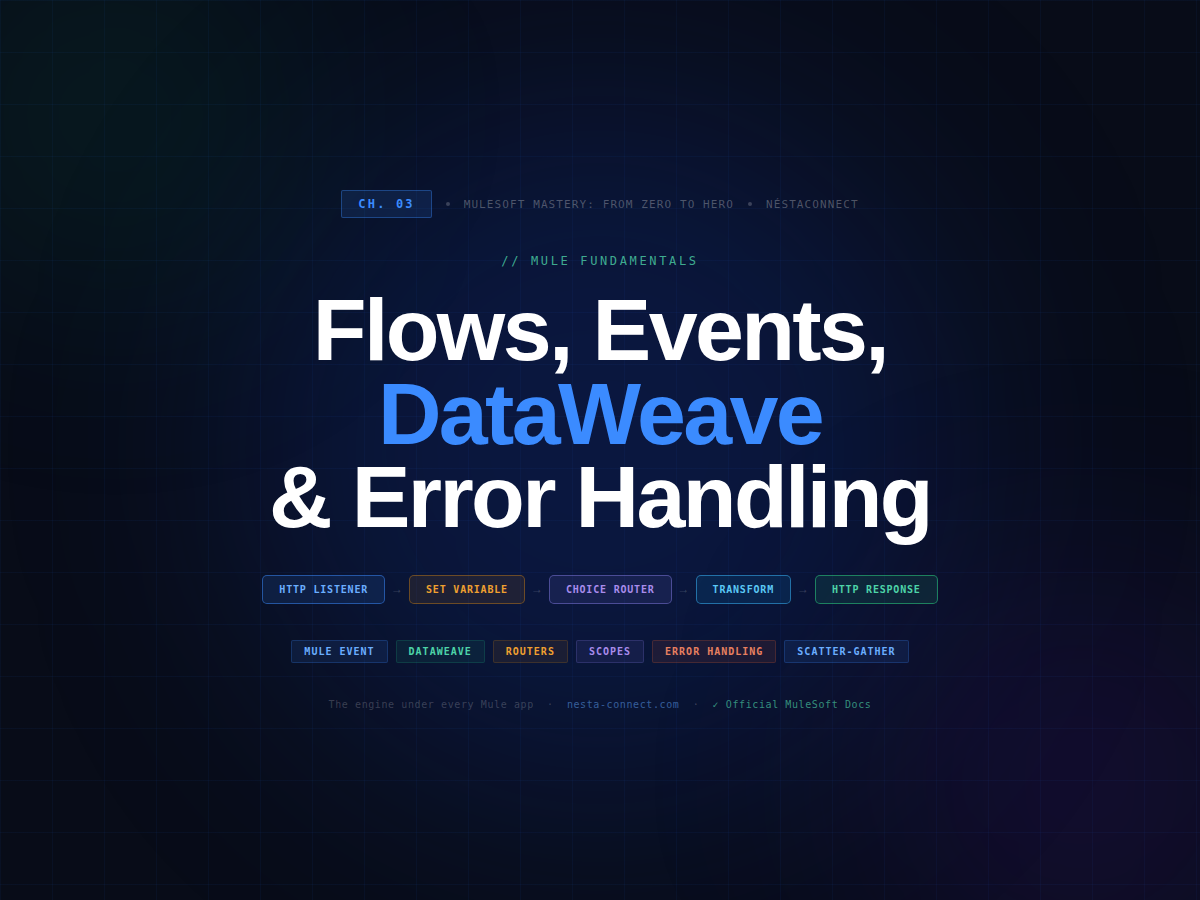
Ch.03-Mule Fundamentals:
Flows, Events, DataWeave & Error Handling
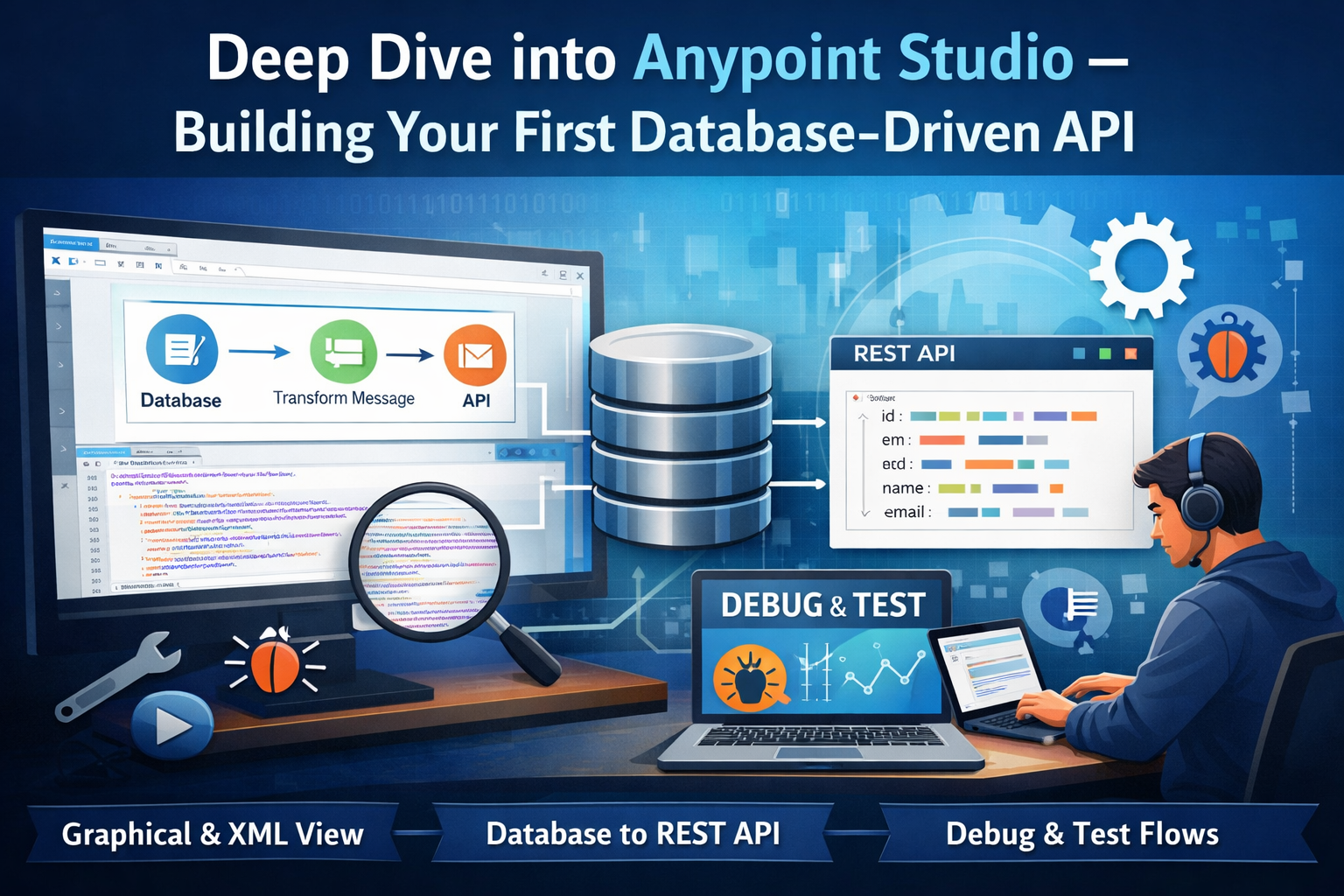
In Chapter 2, you built a database-driven API and got comfortable in Anypoint Studio. But if we’re honest, we were on autopilot — drag a connector, configure a field, run. Now it’s time to understand the engine underneath.
Every single Mule application — from a two-component hello-world to a 50-flow enterprise integration — is built on the same skeleton: events carrying data through flows, DataWeave expressions reading and transforming that data, routers directing the execution path, scopes isolating behavior, and structured error responses telling consumers exactly what went wrong. Nail these fundamentals, and every advanced topic in this series becomes intuitive.
By the end of this chapter you will be able to:
- ▸Explain what a Mule Event is and name its three compartments with confidence
- ▸Read and write
payload,attributes, andvariables— and know when to use each - ▸Write DataWeave expressions from scratch for real transformation scenarios
- ▸Control branching with Choice, Scatter-Gather, and other routers
- ▸Access Scatter-Gather results correctly using the official output format
- ▸Wrap operations in Try, Async, and Until-Successful scopes
- ▸Build a reusable, standardised error response pattern from scratch
1. The Mule Event — The Envelope Everything Travels In
Every time something triggers your flow — an HTTP request, a Scheduler tick, a file arriving on FTP, a message from a JMS queue — Mule wraps everything into a Mule Event. According to the official Mule Runtime docs, a Mule Event travels through components inside your Mule app following the configured application logic.
Think of it as a courier envelope moving down a conveyor belt. Every component can open it, read what’s inside, modify it, and pass it on. The envelope has exactly three compartments — and understanding each one is the single most important thing you can learn in MuleSoft.
The chain rule: Each component receives the event as input, processes it, and produces an event as output. That output immediately becomes the next component’s input. The chain is always forward — and you control every link.
1.1 Payload — The Business Data
The payload is your business data. It can be JSON, XML, a string, a binary file, a Java object, or an array. Most flow work is transforming the payload from one shape to another.
- ▸The payload is mutable — every component can replace it entirely
- ▸If a component produces no output (like a Logger), the payload passes through unchanged
- ▸Critical pattern: Before any DB operation, always save the incoming payload to a variable — the DB connector overwrites payload with its result
Real case — e-commerce order processing: An HTTP Listener receives POST /orders (payload = JSON order). A Set Variable stores the customer ID, a Transform Message reshapes it for the DB schema, a DB Insert stores it. By the time the DB Insert runs, the payload has been transformed twice. Without vars.originalOrder = payload at the start, you’d lose the original data forever.
XML — Payload Operations
code<!-- Simple string payload --> <set-payload value="Hello World" doc:name="Set greeting"/> <!-- Dynamic payload using DataWeave inline --> <set-payload value='#[{ message: "Hello, " ++ (attributes.queryParams.name default "World") ++ "!" }]' mimeType="application/json"/> <!-- BEST PRACTICE: save payload before any DB operation --> <set-variable variableName="requestBody" value="#[payload]"/> <!-- Full Transform Message — DB rows → clean JSON --> <ee:transform doc:name="Map DB rows"> <ee:message><ee:set-payload> { id: row.ID, name: row.NAME, email: row.EMAIL }]]></ee:set-payload></ee:message> </ee:transform>
1.2 Attributes — The Envelope Stamp (Read-Only)
Attributes are metadata about how the message arrived. Automatically set by the source connector. Read-only.
| Source connector | Key attributes available | Common access pattern |
|---|---|---|
HTTP Listener |
method, headers, queryParams, uriParams, requestPath |
attributes.queryParams.search |
File / FTP |
fileName, size, timestamp, directory |
attributes.fileName |
JMS / AMQP |
messageId, correlationId, redelivery, headers |
attributes.correlationId |
Scheduler |
frequency, timeUnit |
attributes.frequency |
1.3 Variables — Your Scratch Pad
Per the official MuleSoft docs: Variables travel with the Mule Event to downstream processors — they live for the entire flow journey. The recommended pattern: use set-variable for simple values and the target attribute on connectors to store results without overwriting payload.
XML — Setting and Using Variables
code<!-- 1. Unique request ID for end-to-end tracing --> <set-variable variableName="requestId" value="#[uuid()]" /> <!-- 2. Start time — for performance logging --> <set-variable variableName="startTime" value="#[now()]" /> <!-- 3. Save URI param BEFORE it gets lost in transformations --> <set-variable variableName="customerId" value="#[attributes.uriParams.id]"/> <!-- 4. TARGET VARIABLE — store DB result without overwriting payload --> <db:select config-ref="DB_Config" target="customerData" targetValue="#[payload]"> <db:sql>SELECT * FROM customers WHERE id = :id</db:sql> <db:input-parameters>#[{ id: vars.customerId as Number }]</db:input-parameters> </db:select> <!-- payload is UNCHANGED — result lives in vars.customerData --> <!-- 5. Timing log with trace ID --> <logger level="INFO" message="#['[' ++ vars.requestId ++ '] Customer ' ++ vars.customerId ++ ' — ' ++ ((now() - vars.startTime) as Number {unit:'milliseconds'}) ++ 'ms']"/>
target attribute. When set, output goes to vars.targetName instead of overwriting payload. This lets you fire multiple data fetches and keep all results in named variables — the cleanest approach for scatter-gather and complex flows. 🔗 Target Variables docs
2. Accessing All Event Parts — The Complete Reference
DataWeave — Complete access reference
code// ── PAYLOAD ────────────────────────────────────────────────── payload // entire payload payload.customerId // field inside a JSON object payload[0] // first item of an array payload.name? // safe nav — null if missing, no error payload.email default "n/a" // fallback if null // ── ATTRIBUTES ─────────────────────────────────────────────── attributes.method // "GET", "POST", "PUT"… attributes.queryParams.search // ?search=Alice attributes.uriParams.id // /customers/{id} attributes.headers.Authorization // "Bearer eyJ…" attributes.headers."Content-Type" // quotes for hyphenated keys // ── VARIABLES ──────────────────────────────────────────────── vars.requestId // UUID set at flow start vars.startTime // timestamp for perf logging vars.customerData // DB result via target= // ── USEFUL BUILT-INS ───────────────────────────────────────── now() // current DateTime uuid() // UUID v4 — perfect for trace IDs sizeOf(payload) // array length or string length isEmpty(payload) // true for empty array/string/null now() as String {format: "yyyy-MM-dd'T'HH:mm:ss'Z'"} // ISO 8601 attributes.headers['x-correlation-id'] default uuid() // Chapter 5B pattern
3. DataWeave — The Engine of Transformation
Anywhere you see #[...] in a Mule config, DataWeave is evaluating at runtime. Per the official docs: “DataWeave is a programming language designed by MuleSoft for accessing and transforming data that travels through a Mule application.”
3.1 Inline Expressions — Quick Reference
| Expression | Returns | Real use case |
|---|---|---|
#[payload] |
Current payload | Pass entire body to Logger or HTTP Request |
#[payload.name?] |
Field or null | Safe access — no NullPointerException if absent |
#[payload.email default "n/a"] |
Value or fallback | Optional fields in CSV-to-JSON mappings |
#[sizeOf(payload)] |
Number | Log “found N records” after DB select |
#[isEmpty(payload)] |
Boolean | Choice condition — empty result = 404 |
#[uuid()] |
UUID string | Generate trace/request ID at flow start |
#[now()] |
DateTime | Timestamp for API response or DB insert |
#[attributes.headers['x-correlation-id'] default uuid()] |
String | Chapter 5B — propagate or generate correlation ID |
3.2 Full Transformation Examples
DataWeave — Map DB rows → JSON API response
code%dw 2.0 output application/json --- payload map (row) -> { id: row.ID, name: row.NAME, email: row.EMAIL, createdAt: row.CREATED_AT as String {format: "yyyy-MM-dd"}, status: upper(row.STATUS default "active") }
DataWeave — Filter, sort, reshape + conditional fields
code%dw 2.0 output application/json var activeOnes = payload filter (row) -> row.ACTIVE == true --- { total: sizeOf(activeOnes), customers: activeOnes orderBy ((row) -> row.NAME) map (row) -> { id: row.ID, name: row.NAME, // conditional field — only if phone is not null (phone: row.PHONE) if (row.PHONE != null) } }
4. Controlling Flow Logic — Routers
4.1 Choice Router — if / else if / else
The Choice router evaluates DataWeave conditions top-to-bottom and sends the event down the first matching branch. Nothing matches → otherwise runs. Exactly like an if/else chain in Java.
XML — Choice Router (3 branches)
code<choice doc:name="Route by result"> <when expression="#[!isEmpty(payload)]"> <set-variable variableName="httpStatus" value="200"/> </when> <when expression="#[isEmpty(payload) and (vars.customerId as String) matches /^[0-9]+$/]"> <raise-error type="APP:NOT_FOUND" description="#['Customer ' ++ vars.customerId ++ ' not found']"/> </when> <otherwise> <raise-error type="APP:BAD_REQUEST" description="Customer ID must be a positive integer"/> </otherwise> </choice>
4.2 Scatter-Gather — Parallel Fan-Out
Scatter-Gather fires multiple routes simultaneously in separate threads and waits for all to complete. Per the official docs: “The Scatter-Gather component executes each route in parallel, not sequentially.”
Real case — banking customer 360: A portal needs customer profile (CRM DB), last 10 orders (Order API), and account balance (Core Banking). Sequential = 400ms+. Parallel Scatter-Gather = ~140ms. That’s the difference between a fast app and a slow one at 100,000 req/day.
{0: messageFromRoute0, 1: messageFromRoute1, …}. Access route results with payload[0].payload — NOT payload[0]. Each value is a full Mule message with its own payload. This trips up every new MuleSoft developer. XML — Complete Scatter-Gather + DataWeave merge
code<set-variable variableName="customerId" value="#[attributes.uriParams.id]"/> <scatter-gather doc:name="Customer 360" timeout="5000"> <route> <db:select config-ref="DB_Config"> <db:sql>SELECT * FROM customers WHERE id = :id</db:sql> <db:input-parameters>#[{ id: vars.customerId as Number }]</db:input-parameters> </db:select> </route> <route> <http:request config-ref="Orders_API" method="GET" path="/orders"> <http:query-params>#[{ customerId: vars.customerId, limit: 10 }]</http:query-params> </http:request> </route> <route> <http:request config-ref="Banking_API" method="GET" path="#['/accounts/' ++ vars.customerId ++ '/balance']"/> </route> </scatter-gather> <!-- payload = {0: msg0, 1: msg1, 2: msg2} per official docs --> <ee:transform doc:name="Build 360 response"> <ee:set-payload></ee:set-payload> </ee:transform>
timeout="5000" — without it a slow downstream blocks a thread forever. (2) Wrap each route in a <try> with on-error-continue so one failed route doesn’t kill the whole response. (3) Store vars.customerId before entering — route variables are isolated from the main flow. 🔗 Scatter-Gather docs
5. Scopes — Wrapping Components with Special Behavior
Scopes wrap groups of components and change how they behave as a unit — like decorators or block statements in code.
XML — Try Scope + Until-Successful
code<!-- Try scope: typed handlers for each DB error type --> <try doc:name="Safe DB call"> <db:select config-ref="DB_Config"> <db:sql>SELECT * FROM customers WHERE id = :id</db:sql> <db:input-parameters>#[{ id: vars.customerId as Number }]</db:input-parameters> </db:select> <error-handler> <on-error-continue type="DB:CONNECTIVITY"> <set-variable variableName="httpStatus" value="503"/> <!-- build 503 error response (Section 6) --> </on-error-continue> <on-error-continue type="DB:QUERY_EXECUTION"> <set-variable variableName="httpStatus" value="500"/> </on-error-continue> </error-handler> </try> <!-- Retry a flaky payment gateway 3 times with 2s backoff --> <until-successful maxRetries="3" millisBetweenRetries="2000"> <http:request config-ref="Payment_API" method="POST" path="/charges"/> </until-successful>
6. The Reusable Error Response Pattern
Inconsistent error responses are the #1 complaint from API consumers. When every endpoint returns a different JSON shape on failure, consumers have to write custom parsing logic for each one. A standardized error envelope solves this permanently.
6.1 The DataWeave Error Builder — Write Once, Use Everywhere
DataWeave — dwl/errorResponse.dwl (Reusable Module)
code// src/main/resources/dwl/errorResponse.dwl // Import: import buildError, buildErrors from dwl::errorResponse %dw 2.0 fun buildError(statusCode, level, errorCode, description, cause = null, field = null) = { status: statusCode, level: level, timestamp: now() as String {format: "yyyy-MM-dd'T'HH:mm:ss'Z'"}, messages: [{ errorCode: errorCode, errorDescription: description, (cause: cause) if cause != null, (field: field) if field != null }] } fun buildErrors(statusCode, errors) = { status: statusCode, level: "ERROR", timestamp: now() as String {format: "yyyy-MM-dd'T'HH:mm:ss'Z'"}, messages: errors }
6.2 Every Error Scenario
DataWeave — All error scenarios
code%dw 2.0 output application/json import buildError, buildErrors from dwl::errorResponse --- // 400 — Invalid input format buildError(400, "ERROR", "INVALID_ID", "Customer ID must be a positive integer", "Received: '" ++ attributes.uriParams.id ++ "'", "uriParams.id") // 404 — Not found buildError(404, "ERROR", "CUSTOMER_NOT_FOUND", "No customer found with the given identifier", "ID '" ++ vars.customerId ++ "' not in customers table", "uriParams.id") // 422 — Multiple validation errors AT ONCE (don't just return the first!) buildErrors(422, [ { errorCode: "MISSING_EMAIL", errorDescription: "Email is required", field: "body.email" }, { errorCode: "INVALID_PHONE", errorDescription: "Invalid phone format", field: "body.phone" } ]) // 503 — Upstream service down buildError(503, "ERROR", "DB_UNAVAILABLE", "Service temporarily unavailable. Please retry shortly.", error.description) // 500 — Catch-all buildError(500, "ERROR", "INTERNAL_SERVER_ERROR", "An unexpected error occurred. Our team has been notified.")
6.3 Complete Production-Ready Flow
XML — GET /customers/{id} — production quality
code<flow name="get-customer-by-id-flow"> <!-- ① Tracing + timing from the very first line --> <set-variable variableName="requestId" value="#[attributes.headers['x-correlation-id'] default uuid()]"/> <set-variable variableName="startTime" value="#[now()]"/> <set-variable variableName="customerId" value="#[attributes.uriParams.id]"/> <!-- ② Validate format before DB --> <choice doc:name="Validate ID"> <when expression="#[(vars.customerId as String) matches /^[1-9][0-9]*$/]"> <!-- ③ Safe DB call --> <try doc:name="DB query"> <db:select config-ref="DB_Config"> <db:sql>SELECT id, name, email FROM customers WHERE id = :id</db:sql> <db:input-parameters>#[{ id: vars.customerId as Number }]</db:input-parameters> </db:select> <error-handler> <on-error-continue type="DB:CONNECTIVITY"> <set-variable variableName="httpStatus" value="503"/> <ee:transform><ee:set-payload></ee:set-payload></ee:transform> </on-error-continue> </error-handler> </try> <!-- ④ Check if found --> <choice> <when expression="#[!isEmpty(payload)]"> <set-variable variableName="httpStatus" value="200"/> <ee:transform><ee:set-payload></ee:set-payload></ee:transform> </when> <otherwise> <set-variable variableName="httpStatus" value="404"/> <ee:transform><ee:set-payload></ee:set-payload></ee:transform> </otherwise> </choice> </when> <otherwise> <set-variable variableName="httpStatus" value="400"/> <ee:transform><ee:set-payload></ee:set-payload></ee:transform> </otherwise> </choice> <!-- ⑤ Log status + timing + trace ID at every exit --> <logger level="INFO" message="#['[' ++ vars.requestId ++ '] ' ++ vars.httpStatus ++ ' GET /customers/' ++ vars.customerId ++ ' in ' ++ ((now()-vars.startTime) as Number {unit:'milliseconds'}) ++ 'ms']"/> </flow>
7. Debugging — Find Problems Before Your Users Do
XML — Structured debug logging patterns
code<!-- After DB call — payload is Java List, not yet JSON --> <logger level="DEBUG" message="#['[' ++ vars.requestId ++ '] DB: ' ++ write(payload,'application/json')]"/> <!-- Dump all variables --> <logger level="DEBUG" message="#['vars: ' ++ write(vars,'application/json')]"/> <!-- After Scatter-Gather --> <logger level="DEBUG" message="#['route0=' ++ write(payload[0].payload,'application/json') ++ ' route1=' ++ write(payload[1].payload,'application/json')]"/>
8. Chapter Summary
- The Mule Event carries all data:
payload(business data),attributes(read-only source metadata), andvariables(your custom scratch-pad). - Every component receives an event as input and produces an event as output — the chain is always forward.
- DataWeave
#[…]expressions transform any part of the event at runtime. Scripts use header/body separated by---. - Choice Router = if/else. Scatter-Gather = parallel fan-out — access results as
payload[n].payload. - Scopes (Try, Async, Until-Successful) add error isolation, fire-and-forget, and auto-retry.
- A standard error envelope with
buildError()makes every API consistent and a pleasure to consume — write it once, use everywhere.
Leave a Reply