
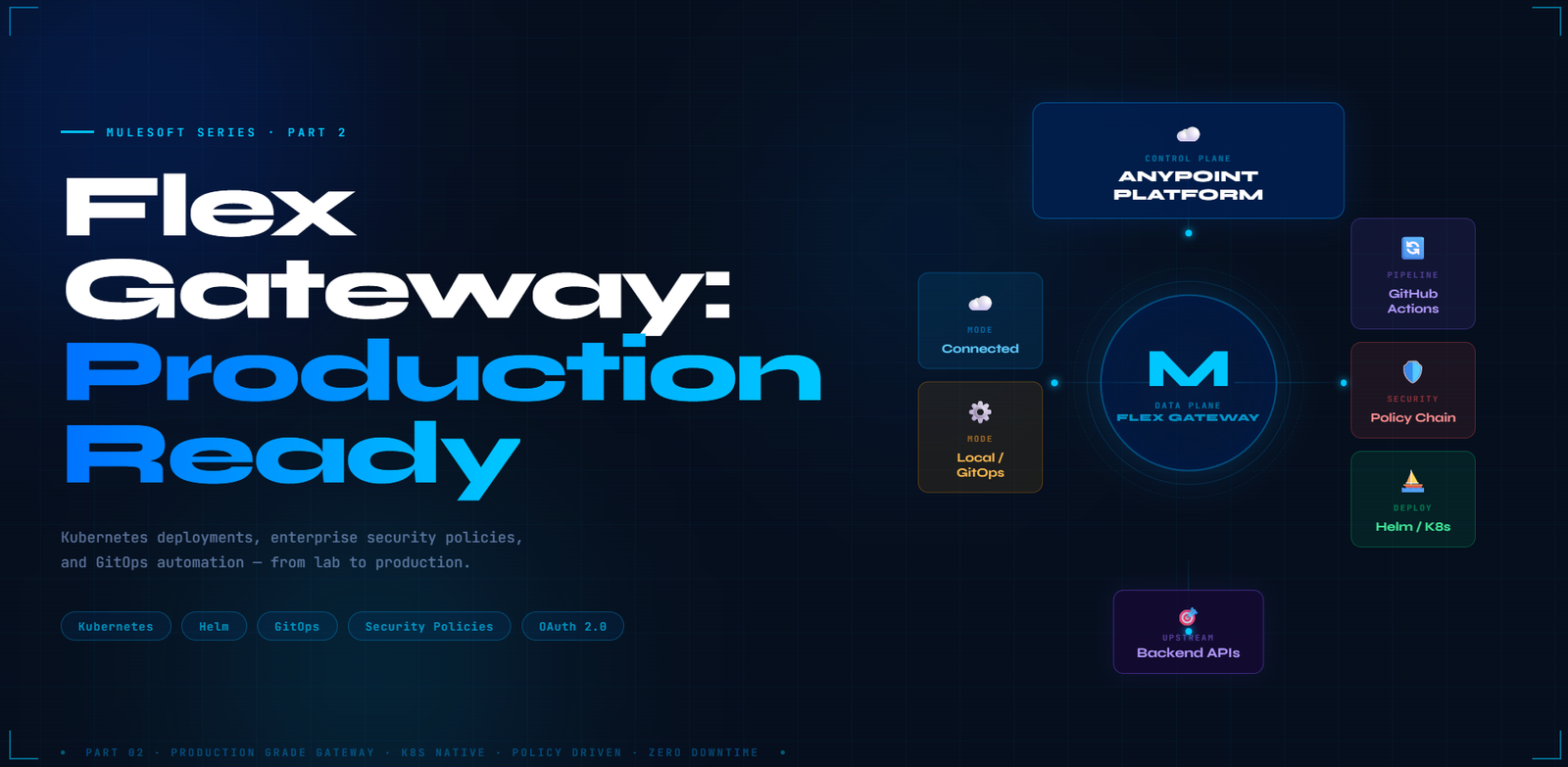
Flex Gateway:Production Ready
Kubernetes deployments, enterprise security policies, and GitOps automation — from lab to production in one deep dive.

In Part 1, we demystified Flex Gateway and got it running locally in minutes. Now it’s time to go further. Real-world API infrastructure demands more than a docker run — it demands resilience, automation, and defence-in-depth security.
By the end, you’ll have a production-grade template you can drop straight into your own infrastructure.
Kubernetes Native Deployment
Kubernetes is the natural habitat for Flex Gateway. Its lightweight Envoy runtime fits perfectly into a pod, scales horizontally via HPA, and plugs into your existing observability stack without any friction.
We’ll deploy using Helm — the Kubernetes package manager — and cover both operational modes.
Multi-Region
Full Visibility
Edge / IoT
GitOps
# Secrets are referenced by K8s Secret name — never stored in this file.
anypointPlatform:
connectedMode: true
# Reference a pre-created Kubernetes Secret instead of inlining credentials
secretName: flex-credentials # kubectl create secret generic flex-credentials …
deployment:
replicaCount: 3
autoscaling:
enabled: true
minReplicas: 2
maxReplicas: 10
targetCPUUtilizationPercentage: 70
helm repo add mulesoft-helm https://mulesoft.github.io/helm-repos/
helm repo update
# Deploy using values file — GitOps-safe, reviewable, diffable
helm install flex-gateway mulesoft-helm/flex-gateway \
–namespace gateway-system \
–create-namespace \
-f helm/connected-values.yaml
# For upgrades (idempotent):
helm upgrade –install flex-gateway mulesoft-helm/flex-gateway \
–namespace gateway-system \
-f helm/connected-values.yaml
kind: Gateway
metadata:
name: edge-gateway
spec:
listeners:
– name: https-main
port: 8443
protocol: HTTPS
tls:
mode: TERMINATE # Gateway handles TLS termination
certificates:
– certFile: /tls/tls.crt # ⚠️ Volume must be mounted — see local-values.yaml below
keyFile: /tls/tls.key
routes:
– id: api-v1
path: [“/api/v1/*”]
upstream:
url: “http://backend-service:8080”
—
# Apply to Kubernetes as a ConfigMap (idempotent)
kubectl create configmap flex-gateway-config \
–namespace gateway-system \
–from-file=gateway-config.yaml \
-o yaml –dry-run=client | kubectl apply -f –
# Install using a values file — not –set flags
helm upgrade –install flex-gateway-standalone mulesoft-helm/flex-gateway \
–namespace gateway-system \
-f helm/local-values.yaml
anypointPlatform:
connectedMode: false # standalone / air-gapped mode
deployment:
configMapName: flex-gateway-config
# ⚠️ Required: mount the TLS secret so /tls/tls.crt and /tls/tls.key exist in the pod.
# Without this, the gateway pod will fail to start (CrashLoopBackOff).
extraVolumes:
– name: tls-certs
secret:
secretName: flex-gateway-tls # kubectl create secret tls flex-gateway-tls –cert=… –key=…
extraVolumeMounts:
– name: tls-certs
mountPath: /tls
readOnly: true
Security & Traffic Policy Chain
A gateway without policies is just a reverse proxy. The real power of Flex Gateway is its ability to compose a chain of policies — each request passes through every layer in sequence, giving you defence-in-depth with zero application code changes.
kind: Gateway
metadata:
name: secured-product-gateway
spec:
routes:
– id: product-catalog
path: [“/api/products/*”]
methods: [“GET”]
upstream:
url: “http://product-service:3000”
policies:
# ── 1. Prevent abuse ──────────────────────────────────────────
– rate-limiting:
limit: 100
period: 60
identifier: $request.remoteAddress
# ── 2. Validate inputs — required fields + type + pattern ────
– request-validation:
schema: |
{
“type”: “object”,
“required”: [“productId”, “quantity”],
“properties”: {
“productId”: { “type”: “string”, “pattern”: “^PRD-[0-9]+$” },
“quantity”: { “type”: “integer”, “minimum”: 1 }
},
“additionalProperties”: false // deny unlisted fields — strict allow-list
}
# ── 3. Identify callers ───────────────────────────────────────
– client-id-enforcement
# ── 4. Validate OAuth 2.0 tokens ─────────────────────────────
– token-introspection:
url: “https://auth-server.com/introspect”
clientId: $env.INTROSPECTION_CLIENT_ID # never hardcode secrets
clientSecret: $env.INTROSPECTION_CLIENT_SECRET
cacheTtl: 60
# ── 5. Sanitize headers — strip internal & auth headers before forwarding ─
# X-Internal-* uses Envoy prefix-wildcard matching (supported natively by Flex Gateway).
# This is an explicit deny-list; add X-Forwarded-For here too if not needed upstream.
– request-headers-remove:
headers: [“X-Internal-*”, “Authorization”] # OAuth validated above — strip before upstream
– request-headers-set:
headers:
X-API-Version: “v1”
X-Gateway-Time: $datetime # ISO-8601 timestamp injected at gateway
# ── 6. Harden response headers ────────────────────────────────
– response-headers-set:
headers:
Strict-Transport-Security: “max-age=31536000; includeSubDomains”
X-Content-Type-Options: “nosniff”
GitOps CI/CD Automation
Manual config deployments are the enemy of reliability. Every change should flow through a pipeline — reviewed, validated, and rolled out automatically with zero downtime.
Here’s a production-grade GitHub Actions workflow that treats your gateway config exactly like application code.
on:
push:
branches: [main]
paths: [‘gateway-config/**’] # only trigger on config changes
jobs:
deploy:
runs-on: ubuntu-latest
steps:
# ── Step 1: Checkout ──────────────────────────────────────────
– name: Checkout Code
uses: actions/checkout@v3
# ── Step 2: Lint YAML before deploying ────────────────────────
– name: Validate Gateway Config
run: |
yamllint gateway-config/prod.yaml
echo “✅ YAML lint passed”
# ── Step 2b: Helm dry-run — catch rendering errors pre-flight ─
– name: Helm Dry-Run Pre-flight
run: |
helm upgrade –install flex-gateway mulesoft-helm/flex-gateway –namespace gateway-system -f helm/connected-values.yaml –dry-run
echo “✅ Helm dry-run passed”
# ── Step 3: Connect to cluster ────────────────────────────────
– name: Configure K8s Context
uses: azure/setup-kubectl@v3
– name: Set Kubeconfig
run: |
echo “${{ secrets.KUBECONFIG }}” | base64 -d > /tmp/kubeconfig.yaml
export KUBECONFIG=/tmp/kubeconfig.yaml # injected from GitHub Secret
# ── Step 4: Apply config (idempotent) ─────────────────────────
– name: Deploy / Update ConfigMap
run: |
kubectl create configmap flex-gateway-prod-config \
–namespace gateway-system \
–from-file=gateway-config/prod.yaml \
-o yaml –dry-run=client | kubectl apply -f –
# ── Step 5: Rolling restart — zero downtime ───────────────────
– name: Rolling Restart Gateway Pods
run: |
kubectl rollout restart deployment/flex-gateway \
–namespace gateway-system
kubectl rollout status deployment/flex-gateway \
–namespace gateway-system –timeout=120s
Choosing Your Operational Mode
The most common question teams face is: when do I use Connected Mode vs Local Mode? The answer depends on your connectivity requirements, team structure, and compliance posture.
The Strategic Gateway
MuleSoft Flex Gateway isn’t just another reverse proxy — it’s the enforcement layer that gives your platform teams the control they need without slowing down the delivery teams they serve.
The journey from a single docker run to a fully automated, policy-driven gateway is what transforms API management from a bottleneck into a genuine enabler of innovation.
Leave a Reply